
iPhone & iPad
Live TV, the guide and your recordings in your hand. Download completed shows for offline viewing.
AirPlay & Chromecast controlsYour TVHeadend. On your favourite screen.
Live channels, a clear programme guide, and the recordings you love. Bring your own TVHeadend server. PlayTVH brings it all together.
iPhone · iPad · Mac · Apple TV
Requires your own TVHeadend server. No channels included.
Live TV · TV Guide · DVR
From finding tonight’s programme to taking a recording with you, everything starts with your own TVHeadend setup.
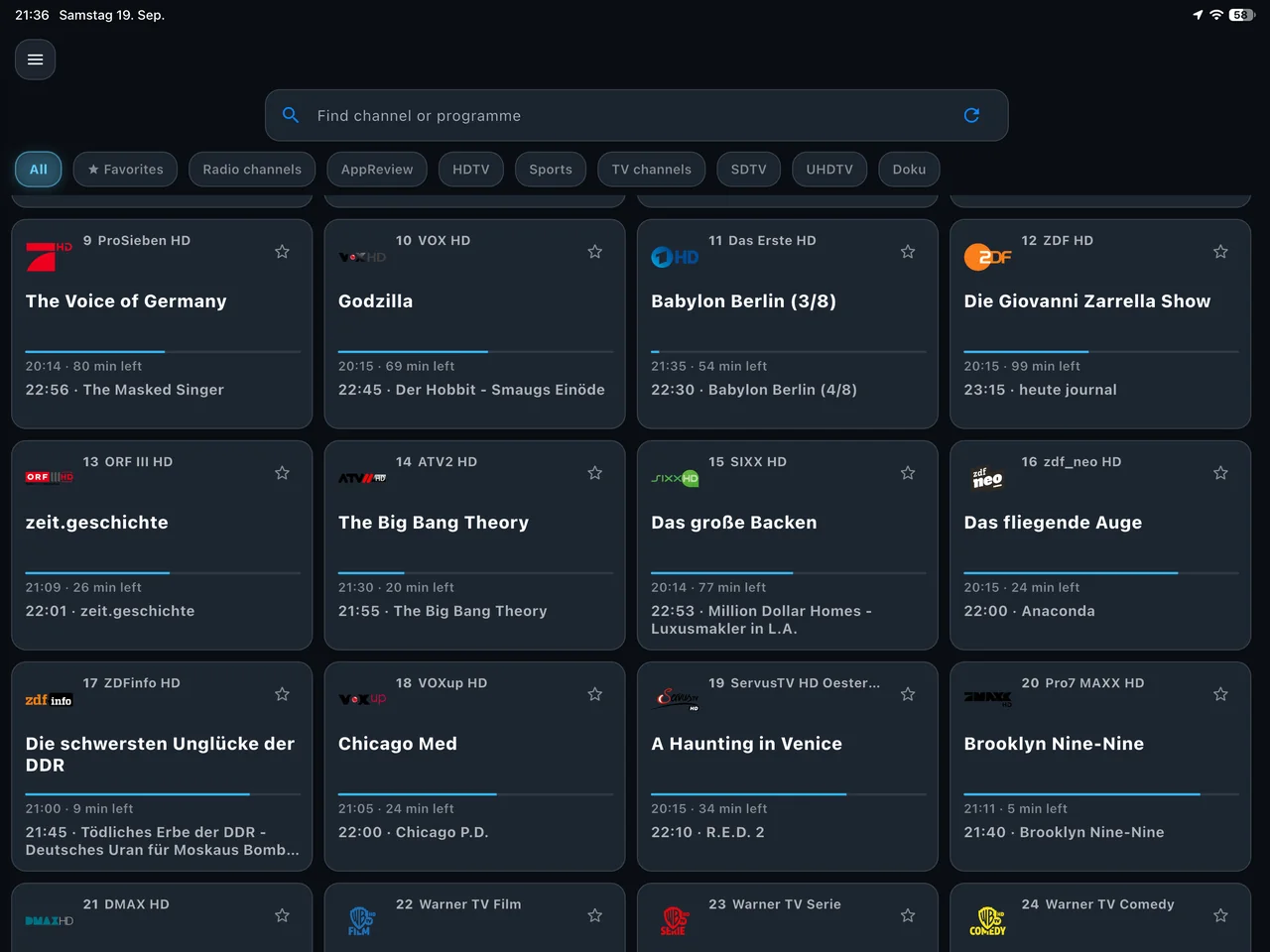
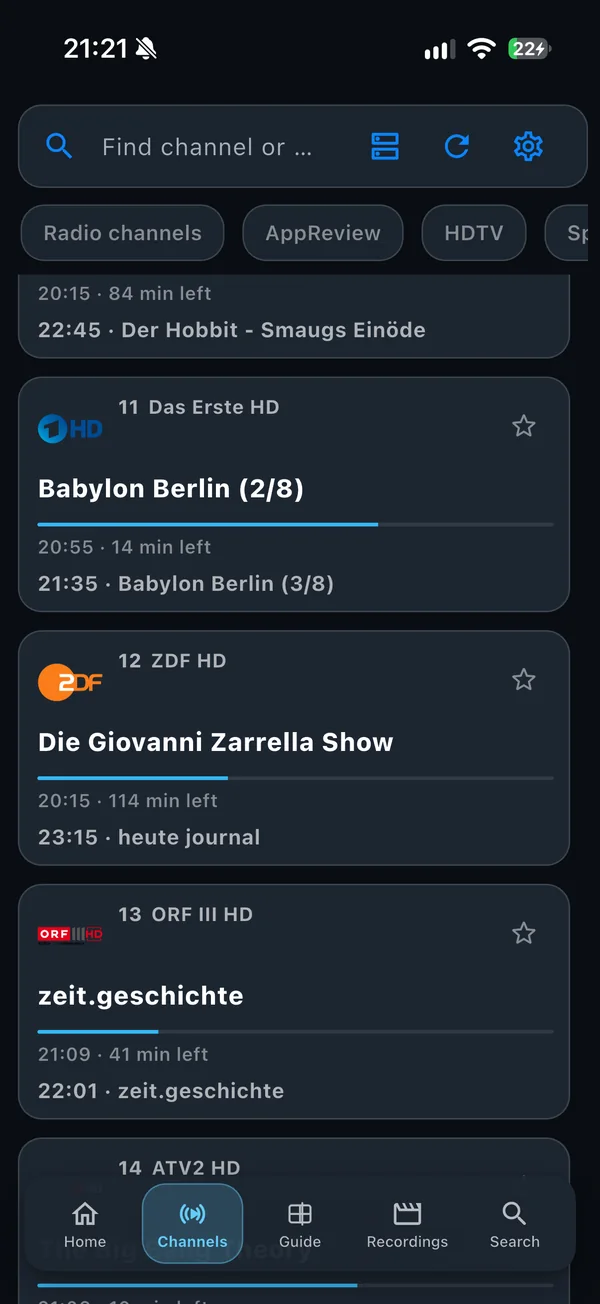
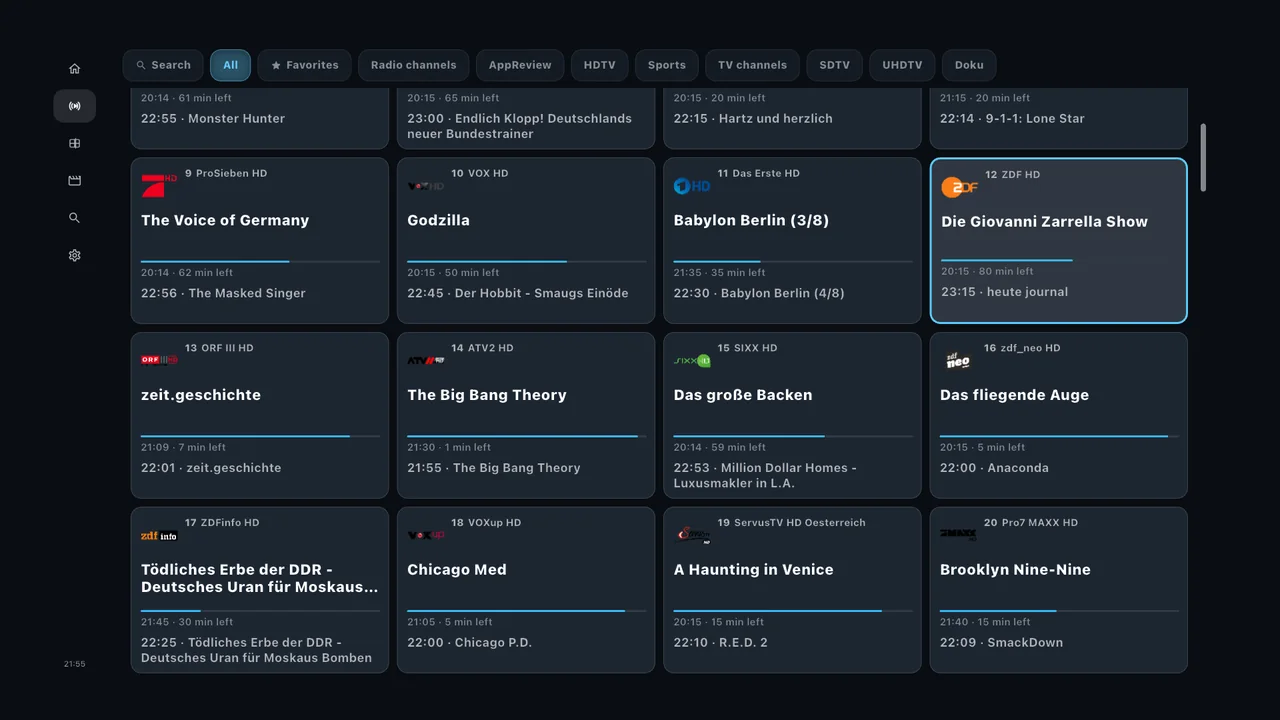
01 / Channels
See what’s on now and what’s coming next. Keep favourites close, filter by tags, and settle into a channel grid made for the big screen.
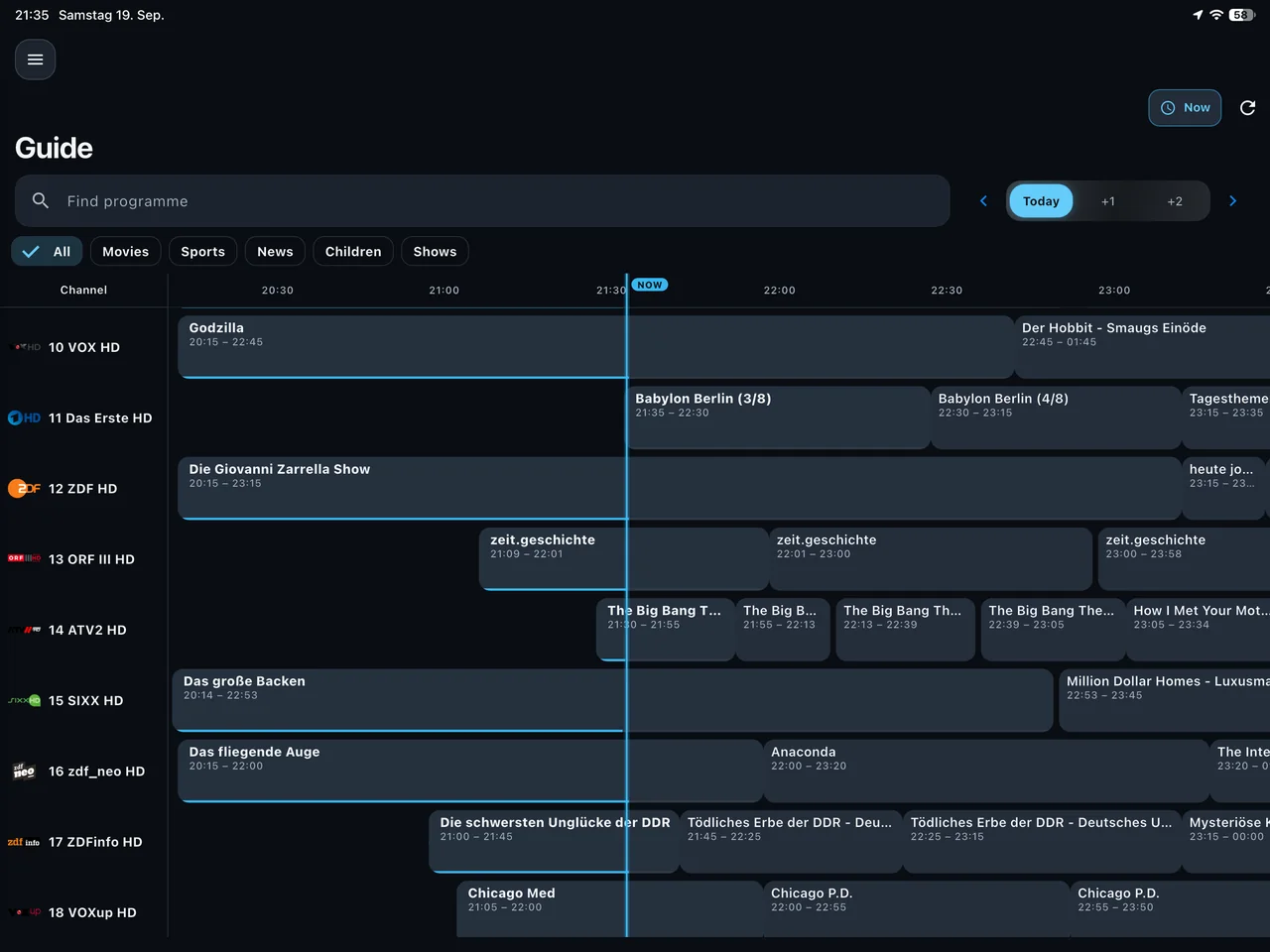
02 / TV guide
Browse the schedule at a glance. Find a programme, open its details, and schedule a recording without losing your place.
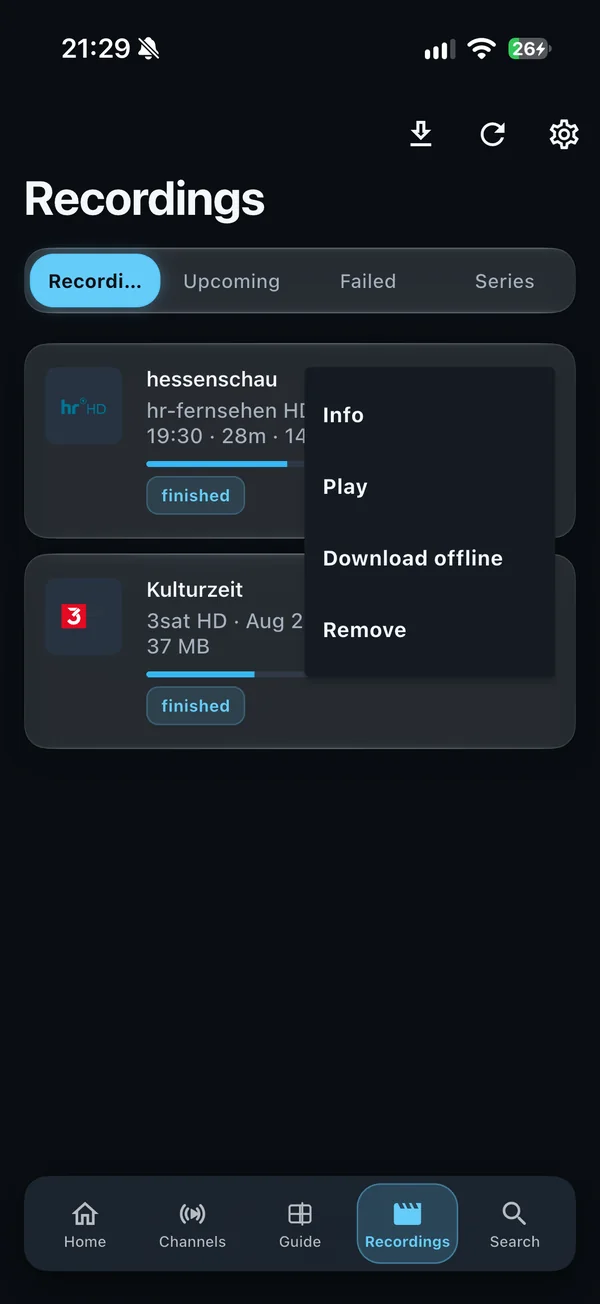
03 / Your recordings, to go
Save a completed recording to your iPhone, iPad or Mac before you leave. Once the download finishes, your next watch doesn’t need a connection to your server.
Offline downloads are available on iPhone, iPad and Mac. Apple TV plays recordings from your server.
Made for your setup
Use the server you already run, with channels configured and a user allowed to stream.
Discover your server on the local network or enter its address and sign in.
Pick a channel, explore the guide, or head to your recordings.
At home. At your desk. On the move.
Touch, keyboard or remote — a layout that fits the way you watch.
Live TV, the guide and your recordings in your hand. Download completed shows for offline viewing.
AirPlay & Chromecast controlsKeep the guide and your recordings on a larger screen. Save completed recordings for later.
Made for keyboard & pointerFind a channel from the sofa and watch recordings from your server with the Siri Remote.
Made for your remoteOn iPhone and iPad, AirPlay supports recordings; use Screen Mirroring for live TV. Casting availability depends on your receiver and server setup.
Phones, tablets and Android TV. Coming soon on Google Play.
Coming soonNo. PlayTVH connects to a TVHeadend server that you own or control. Your channels, guide data and recordings come from that server.
Yes, when your device can securely reach your TVHeadend server — for example, through your VPN. Or download completed recordings on iPhone, iPad or Mac before you leave.
No. PlayTVH is a one-time purchase. The App Store shows the current price in your region.
The Android versions for phones, tablets and TV are coming soon. Google Play availability will be announced here.

Your next programme is waiting
Bring PlayTVH to your iPhone, iPad, Mac and Apple TV. No subscription. Your TVHeadend server supplies the channels.


See the App Store for the current price in your region.